Who's on your Wi-Fi?

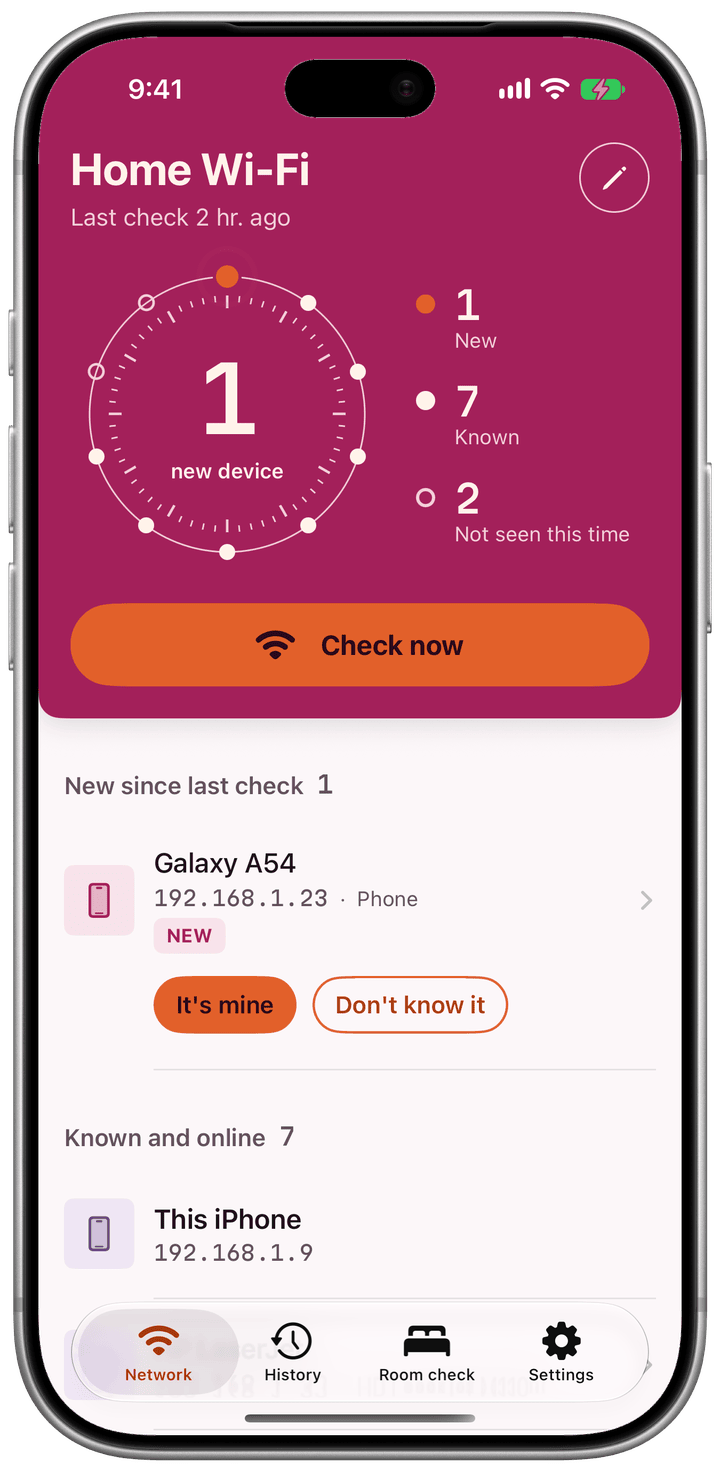
Hostwick lists every device on your Wi-Fi and marks the new one.

Download on the App Store
Hostwick home screen: a dial showing 1 new device and the list of devices on the Wi-Fi
01

Lists every device and names it

Each device shows its name, address and kind. Open one to see how Hostwick saw it and which services are open.
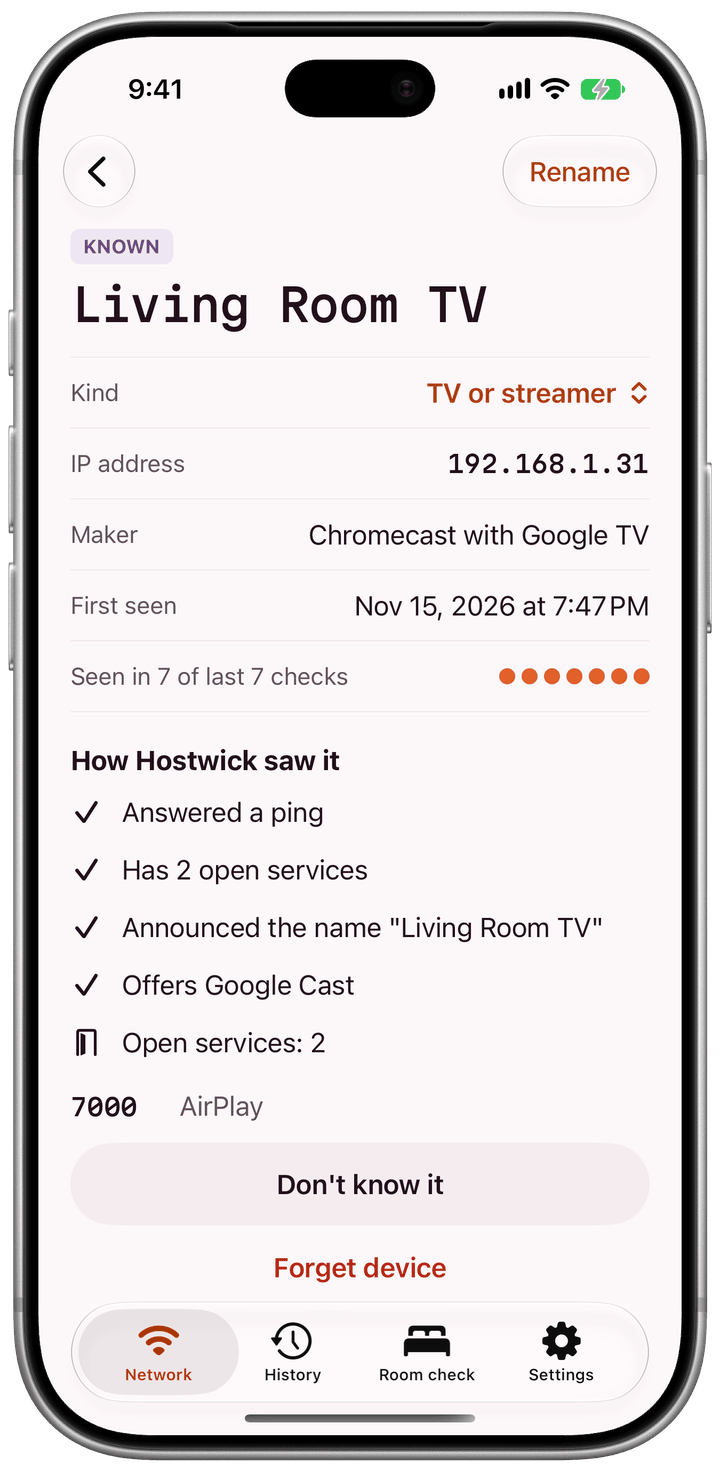
Device detail for Living Room TV with its address, maker and how Hostwick saw it
02

Spot the new one

The dial marks the one new device. Mark it as yours, or say you don't know it.

Home screen with a new device marked and the buttons It's mine and Don't know it
03

Room check

Lists devices that look like cameras on the Wi-Fi of a rental or hotel room. It only sees devices on the same Wi-Fi.
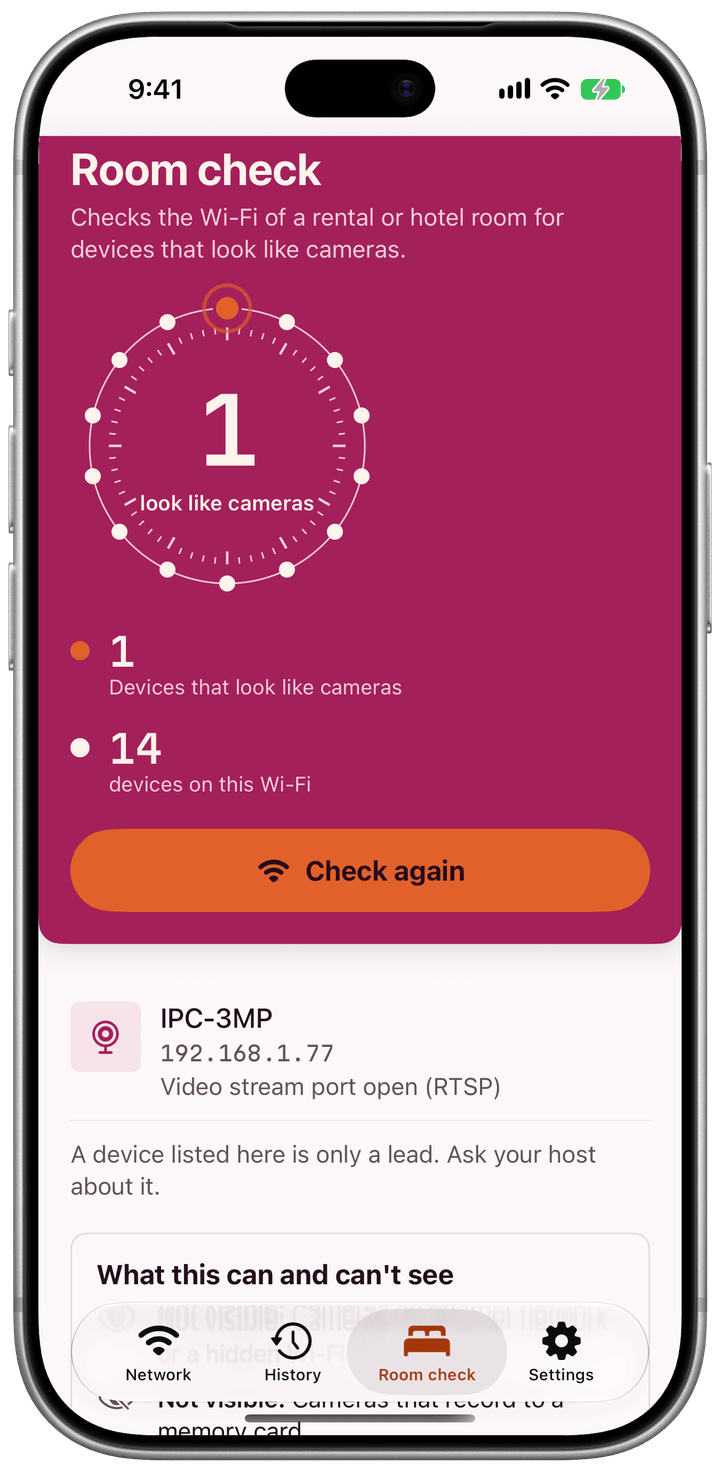
Room check screen listing one device that looks like a camera out of 14 on the Wi-Fi

How it works

  1. 01Join the Wi-FiConnect your iPhone to the network you want to check.
  2. 02Tap Check nowHostwick asks every device on it for its name.
  3. 03Review what's newMark each new device as yours, or say you don't know it.

What Hostwick can't see

A device listed in Room check is only a lead. Ask your host about it. Hostwick does not prove that a room has no camera.